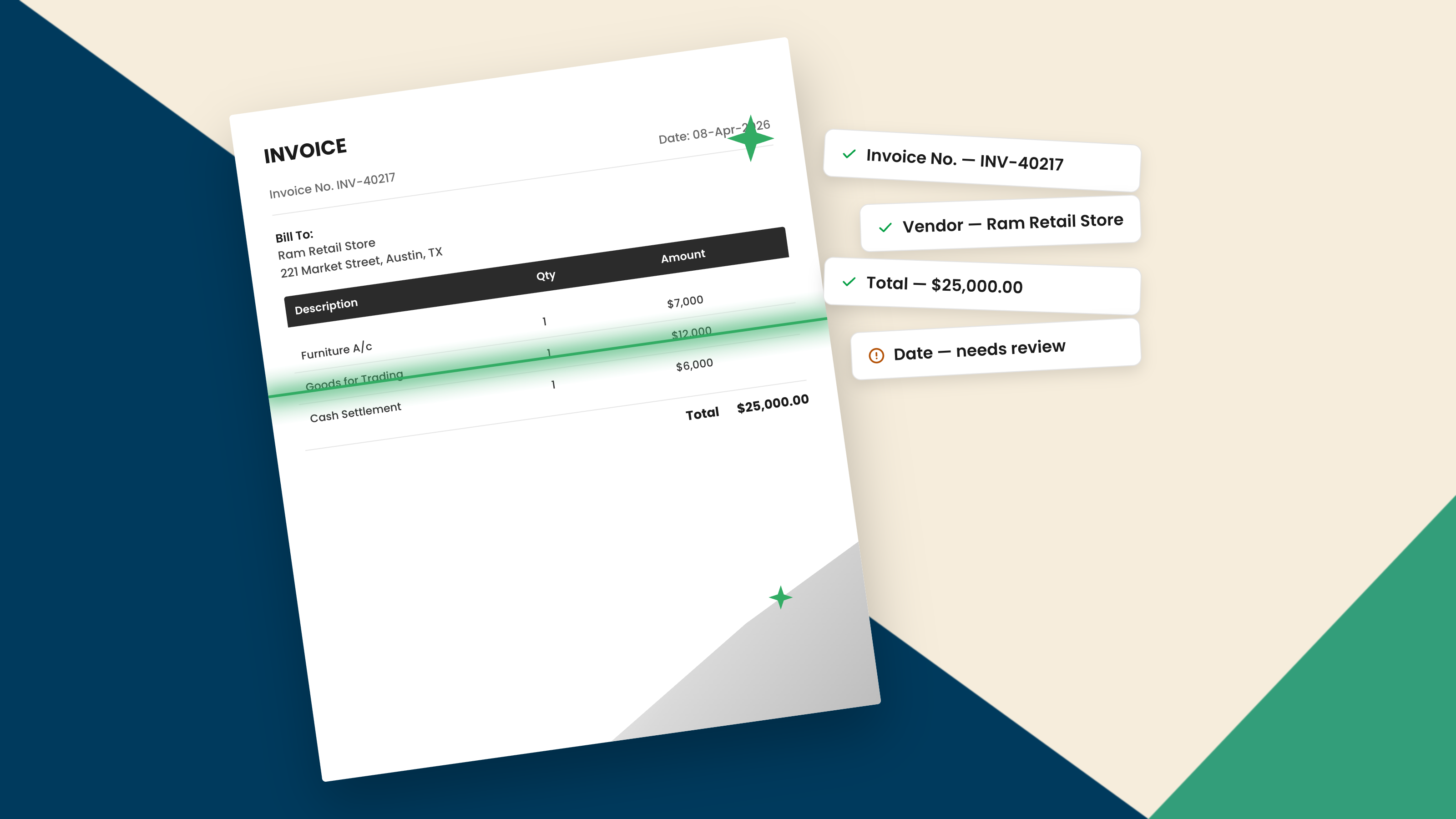
AI has changed what document capture is. For years, capturing a document meant reading the characters on it and hoping the layout was predictable enough for the rest to fall into place. AI does something different. It captures the information, works out what each value means, and can then validate, refine, and structure it for the systems that use it.
So AI document capture is highly capable, and it works across the varied, real-world documents businesses actually receive. Capture is now the easy part. The more useful question is no longer whether AI can read a document. It is what AI can do with the information once it has it.
What Document Capture Means
Document capture is the step that turns a document into data. An invoice, a contract, a customer order, or a scanned form arrives, and something has to pull the useful information out and hand it to a system that can act on it.
For decades, that reading was done by optical character recognition (OCR), which converts an image of text into machine-readable characters. On its own, OCR recognizes characters. It does not work out what they mean, so templates, rules, and often people had to supply the meaning around it.
AI-powered document capture folds the reading and the understanding into a single step, and then carries the information further. That shift is what separates modern capture from the legacy kind.
How AI Captures Document Data
AI captures data by reading the way a person would, from context rather than from a fixed template. Vision models locate and read the text, including on poor scans, photographs, and handwriting. Language models work out what the text means and how the pieces relate to one another.
Take a simple invoice. It might carry an invoice number, a purchase order number, a subtotal, a tax amount, and a total. OCR can recognize all of those characters. AI goes further: it uses the labels, the layout, and the relationships between the values to determine which number is the total and which is the tax, even when two suppliers arrange them completely differently.
That is what understanding means in practice. A captured value becomes an identified field, which can then be checked against related values, validated, and structured for a downstream system. The reading technology underneath is the same one covered in our guide to AI OCR.
How Well Does AI Perform at Capture
Very well, and across a far broader range of documents than legacy tools ever managed.
Clean, printed fields are captured accurately and consistently. So are the harder inputs that used to defeat older systems: layouts that differ from one supplier to the next, documents in many languages, low-quality scans and photos, and handwriting. Because AI reads from context rather than from a rigid template, variety no longer breaks it, and a new format does not need a new setup.
There are still edge cases. A very poor scan or a genuinely unusual document can produce a value the system is unsure about. But these sit at the margin. They are not the central limitation of the technology, and a capable system handles them by flagging the specific value for a quick look rather than holding up the document.
Capture Is Only Part of It: AI Also Validates and Refines
Capture is one capability among several, and on its own it is the least interesting. Modern AI document processing runs a sequence: capture the information, understand what it is, validate it, refine it, structure it, and hand it on to be acted on.
Validation earns its place because even a perfectly captured value can be wrong on the document itself. An invoice total can be read flawlessly and still fail to match the line items above it, or the purchase order it refers to. Recognition alone cannot catch that, because recognition only reports what is printed.
AI can. The same intelligence that read the document can reconcile the figures, apply the business rules that decide what is acceptable, normalize inconsistent formats, and surface anything that does not add up. That is the difference between text pulled off a page and information a business can rely on, and it is where most of the benefits of AI in IDP come from.
AI vs Legacy OCR
This is why the term AI OCR can mislead. It suggests AI is a faster version of OCR, when it is really a different kind of technology doing a bigger job.
Legacy OCR, on its own, converts images into machine-readable characters. That is genuinely useful, and for clean, uniform, high-volume documents it still does a solid job. AI-powered capture uses visual and language intelligence to interpret the meaning and the relationships behind those characters, and can then validate, refine, and structure the result.
Put simply, traditional OCR recognizes the characters, while AI interprets what they mean and what should happen next. The fuller comparison is set out in IDP vs OCR, and the wider workflow in our guide to how to use AI in intelligent document processing.
Where a Human Still Helps
AI handles the overwhelming majority of routine capture on its own. People come in for the exceptions.
When a document is genuinely ambiguous, or a value arrives with low confidence, a person makes the call. The system flags that specific case and routes it for review, while everything else flows through. It is a small, targeted amount of human judgment applied where it adds the most, not a manual check of every document.
How Docupath Captures, Validates, and Structures Document Data
Docupath is a working example of this broader approach. It captures the information on a document, interprets its context, and extracts structured fields, then takes the information further in the ways that make it usable.
Under the surface, a multi-model architecture, the AI Model Garden, reads and interprets each document. Docupath then validates what it found, running deterministic checks where exact reconciliation matters, such as confirming that totals and tax add up, applies your business rules, and identifies the values it is uncertain about. Clean, high-confidence documents flow straight through, while genuine exceptions route to a person.
The distinction that matters is the output. It is not text extracted from a document. It is validated, structured, system-ready data that finance, customer service, and legal systems can use directly.
Key Takeaways
•AI has changed document capture. It does not only read a document, it captures the information, works out what the values mean, and can validate, refine, and structure them.
•AI document capture is highly accurate across varied layouts, languages, poor-quality scans, and handwriting. The cases that need review are exceptions, not the main story.
•"AI OCR" is a useful search term but a slightly misleading one. OCR recognizes characters, while AI interprets meaning and relationships and then takes the information further.
•Even a perfectly captured value can be wrong on the document. Validation checks that figures reconcile and match related records, which is what makes captured data trustworthy.
•People handle the genuine exceptions while AI runs the routine capture. The interesting question is no longer whether AI can read a document, but what it can do with the information afterwards.