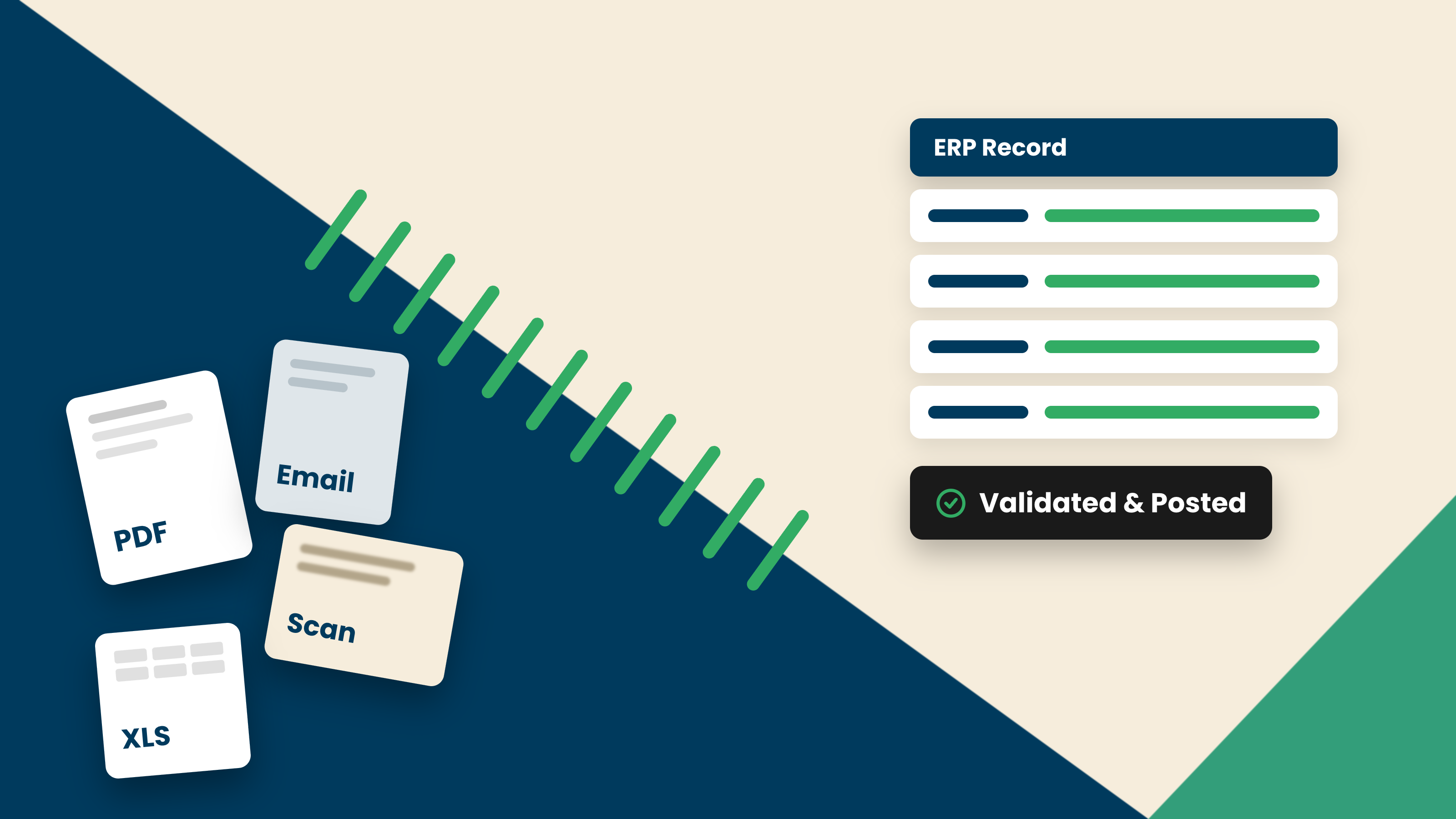
Intelligent document processing (IDP) turns the supplier invoices arriving in your accounts payable inbox into validated, structured data your ERP can post, without a person keying it in first. In short, that is what IDP for accounts payable does. It is also why AP is often the first place finance teams put the technology to work.
Why Accounts Payable Is the Ideal Use Case for IDP
Accounts payable sits on a fault line. On one side, a high volume of supplier invoices arrives in every format imaginable: PDFs, scans, email attachments, each vendor laid out differently. On the other side, your ERP needs clean, structured data in a fixed shape. Between the two sits a person, re-keying and checking.
That gap is exactly what intelligent document processing closes. AP is high-volume, repetitive, and rule-governed, yet the documents themselves are unstructured and endlessly variable.
That combination, a structured target and unstructured input, is where IDP proves its value faster than almost anywhere else in the business. The work is frequent enough to matter, and the documents are hard enough that manual handling is the bottleneck.
It is also where the cost of getting it wrong is high. An invoice keyed incorrectly can mean a duplicate payment, a strained supplier relationship, or a figure your month-end has to unpick later. Closing the gap between the document and the system removes the point where most of those errors start.
How IDP Fits Into the AP Process
The mechanics are worth naming, though only briefly. An invoice arrives by email or upload. The platform reads and interprets it, validates the figures, matches it against the purchase order and receipt, routes anything uncertain to a reviewer, and posts the finished record to your ERP.
Those stages, intake, understanding, validation, matching, exception review, and posting, are the backbone of the workflow. For the full step-by-step, see our guide to AI accounts payable invoice processing, and for how the AI does the reading and interpreting underneath, see how to use AI in intelligent document processing.
What matters for this decision is not the pipeline itself. It is what that pipeline changes about the department around it.
What Changes for Your AP Team
The shift is bigger than the software. When invoices no longer need keying, the work of the team moves up the value chain.
Associates stop typing every invoice and start handling the exceptions the platform flags. Their day becomes judgment rather than data entry: resolving genuine mismatches, chasing the supplier issues that need a human, and improving vendor relationships. That is more interesting work, and it is work only a person can do.
Review changes shape too. Instead of checking every document, reviewers see only the ones the platform is unsure about. Clean, high-confidence invoices flow through, and attention concentrates where it is actually needed.
Month-end gets calmer. When data is validated as it arrives rather than reconciled in a crunch, the end of the period stops being a scramble. And because the same setup handles new suppliers and new layouts, volume can grow without the team growing with it. For a wider view of that payoff, see the benefits of AI invoice automation.
There is a control dividend for the department head too. When every invoice is validated and structured the same way, cashflow commitments become easier to see across entities and countries, and the activity trail behind each document makes audits less painful. Cleaner data going in means fewer surprises to chase down later.
What to Look for in IDP for Accounts Payable
Not all IDP is the same. The category ranges from template-based tools that automate a fixed workflow to AI-native platforms that interpret documents they have never seen. That range is why evaluation matters, and why the criteria below are written for the buyer, not the vendor.
- •Handling of new and unseen supplier formats. This is the criterion that separates the category. Template-based tools need setup for each new layout. AI-native platforms read an unfamiliar invoice on the first try. Test with your messiest real suppliers, not a clean sample.
- •Validation and matching against POs. Reading an invoice is table stakes. Ask whether the platform checks that line items sum to the total, that tax is right, and that the invoice matches the purchase order and receipt before anything reaches your ERP.
- •ERP integration. The output has to arrive in the exact shape your finance system expects. Look for structured, system-ready data mapped to your ERP schema, not a text file someone still has to reformat.
- •Multi-language and international invoices. If you handle cross-border suppliers, confirm the platform reads documents across languages and regional formats. See multi-language invoice processing for what to check here.
- •Setup effort and IT requirements. Ask what it takes to go live and who has to do it. The best tools are configured by finance users in plain language, not stood up through a long IT project.
If you are weighing several options against these criteria, our roundup of the best AI invoice processing software walks through how the market compares.
Rolling Out IDP in Accounts Payable
A sensible rollout is narrow before it is wide. Start with your highest-volume suppliers, where the manual load is heaviest and the payoff is clearest. A handful of vendors often accounts for a large share of invoice volume, so that is where early automation is felt first.
Keep humans firmly in the loop at the start. Let the platform propose the extracted data while your team reviews and approves it, so you build trust in the output before you let high-confidence invoices flow through with lighter review. This is the human-in-the-loop principle, and it is what keeps the transition safe and gradual.
From there, expand by supplier, by document type, or by entity, at whatever pace keeps your team comfortable. There is no need for a single cutover. Most departments grow the automated share steadily, and the manual exception pile shrinks as they go.
How Docupath Powers AP Invoice Processing
Docupath is an AI-native document intelligence platform. For accounts payable, it reads, interprets, verifies, and validates supplier invoices, then structures the result into system-ready data for your ERP.
Rather than routing every document through a single model, Docupath uses a multi-model architecture, the AI Model Garden, that selects and combines specialized models per document and per field. It cross-checks totals, tax, and line items, flags duplicates before they reach approval, and matches invoices against purchase orders. Confidence scoring sends only uncertain documents to a reviewer, while clean ones flow through. People stay in control, and the validation work happens inside the platform, not after it. The output is not extracted text. It is data your finance system can trust.
Key Takeaways
- •IDP for accounts payable turns unstructured supplier invoices into validated, structured data your ERP can post, without manual keying first.
- •AP is the ideal use case because it pairs unstructured, variable documents with a structured ERP target, which is exactly the gap IDP closes.
- •The biggest change is to the team: associates move from data entry to exception handling and vendor relationships, and review narrows to uncertain invoices only.
- •IDP is a spectrum. Handling of new, unseen supplier formats is the criterion that most separates template-based tools from AI-native platforms.
- •Roll out narrow to wide: start with highest-volume suppliers, keep humans in the loop early, then expand at a comfortable pace.